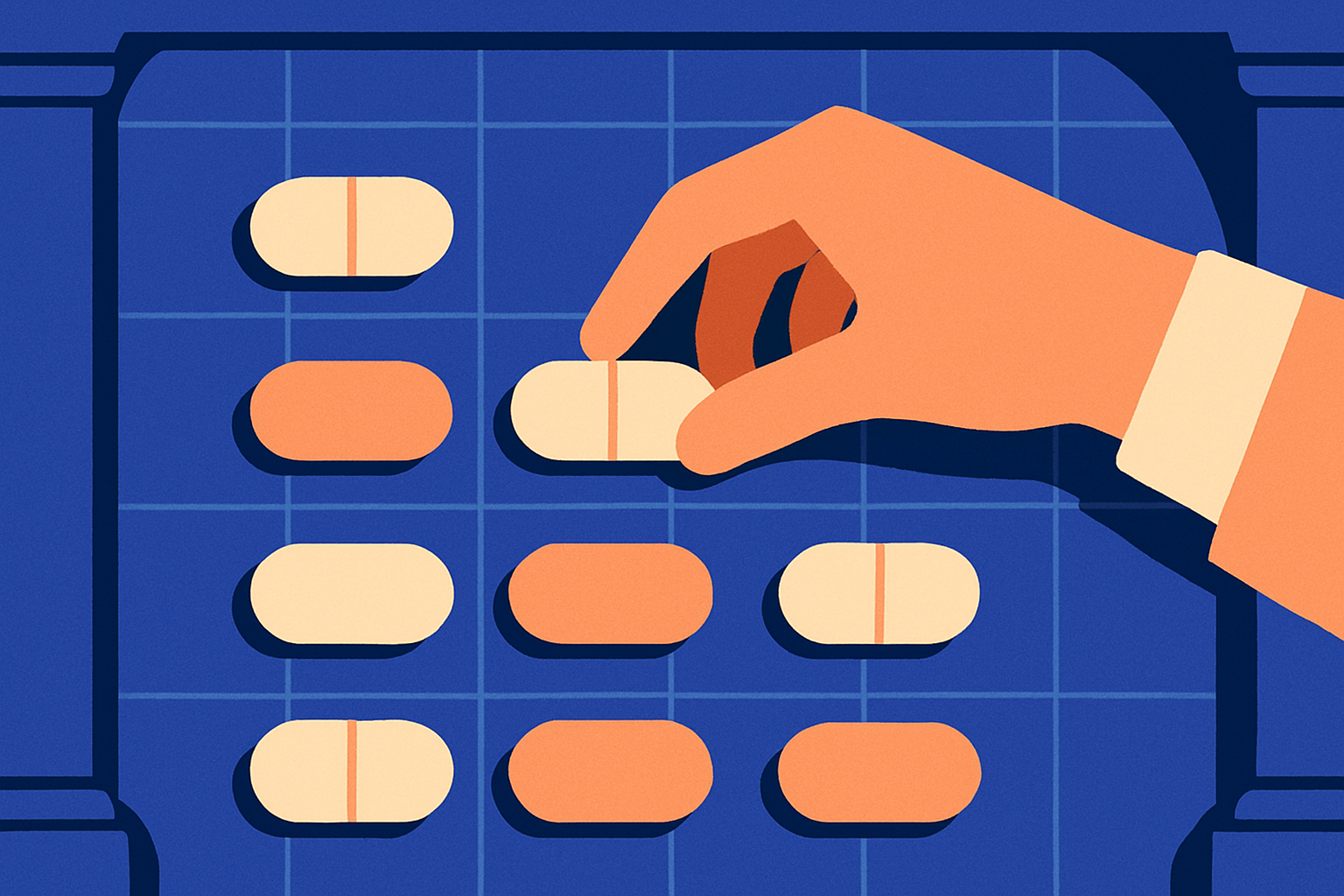
MyChart is the patient portal that a large majority of U.S. health systems use — the Epic-built website and app where lab results, visit notes, medication lists, appointments, and bills are stored. For the family caregiver, MyChart can be a lifeline. But if you’re unfamiliar with how to navigate it, MyChart can also be a frustration that swallows an evening.
This guide walks through how to get authorized access to a parent's MyChart, how families can use the portal effectively, key features, and the alternatives when MyChart isn’t meeting your needs.
**Note: Aging Sidekick is not affiliated with Epic, MyChart, or any health system.
TL;DR: MyChart is most useful for three things: looking up lab and imaging results before the follow-up visit, viewing the after-visit summary and medication list, and messaging the office without sitting on hold. It is least useful for transferring records to another health system, for parents who use a different system's portal, or for any task that requires a phone call instead. Get formal proxy access (not just the parent's password) — it is the only version that holds up legally and clinically.
Proxy access to MyChart
The first move for any family caregiver is to get formal 'proxy access' to the parent's MyChart, not just to log in with the parent's password. Proxy access is the parent's authorized permission for the family member to view (and sometimes act on) the parent's chart under the family member's own login. It is the version that hospitals, specialists, and pharmacies recognize. It is the version that survives the parent changing their password by accident.
Proxy access is set up at the parent's clinic — either in person, on a paper form that arrives by mail, or through the parent's own MyChart in some health systems. The parent has to authorize it; the parent's primary clinic processes it; the level of access can usually be set to 'full' or 'limited.' Adult-to-adult proxy access often requires both parties to be present at sign-up, and some health systems have an upper-age cutoff after which the process becomes more formal. The clinic's medical-records office can help with access.
What MyChart is most useful for
Most families end up using a small subset of MyChart's features more or less constantly, and the rest rarely. The high-value features are worth learning well.
- Lab and imaging resultsResults are usually posted within hours of being finalized — often before the doctor has read them. Reading them ahead of the follow-up call lets the family come prepared with specific questions.
- After-visit summaryA one-to-two-page summary of every visit, with the diagnoses, the new prescriptions, the changes to existing prescriptions, the follow-up instructions, and the next steps. A highly valuable document in family caregiving.
- Medication list (as the chart knows it)A printable view of the medications the clinic has on file. Useful for cross-checking against the kitchen-counter master list — and for catching discrepancies before errors are made.
- Appointment schedulingRoutine appointments can usually be scheduled directly. Saves the on-hold call. Specialist referrals may still require a phone call.
- Messages to the officeA non-urgent question — about a side effect, a dose, a refill — sent through the portal usually gets a same-day or next-day reply from a nurse or the doctor. Not for emergencies.
- Bill payment and statementsThe bills land in the portal. Useful for tracking what the parent has been charged for and what insurance has paid, particularly when the family is helping manage the parent's finances.
Limitations with MyChart
Three patterns surface repeatedly in family-support communities. Each one is a place where the family is better off skipping the portal and using a different path.
- Crossing health systemsA parent who sees specialists at three different hospital systems may have three MyChart accounts. The systems do talk to each other a little, but not well. The family's master list still has to be assembled by the family.
- Truly urgent questionsPortal messages are not real-time. If the parent is short of breath, falling, in severe pain, or newly confused, call the office — and in a true emergency, call your local emergency number. The portal is for the next-day questions, not the right-now ones.
- Records transfers to a new clinicMost records transfers still require a signed release form sent by fax or mail. The portal speeds up everything except the legal records movement.
The notification trap
MyChart will email or text every time something new appears — a result posted, a bill arrived, an appointment reminded. After a few months, family caregivers may feel like they are drowning in notifications. The fix is to take ten minutes early on to set the notification preferences so the family is alerted to the things that matter (lab results, messages from the office) and not to the things that are less time sensitive.
The other notification fix is to designate which family member gets the alerts. If the parent's MyChart is forwarding to four siblings, no sibling knows what the other three have read. Pick one primary recipient — usually the family member running point on medical issues — and have the others log in periodically.
When the parent uses a different system's portal
Not every health system uses MyChart. Athenahealth, FollowMyHealth, Cerner's portal, Veterans Affairs' My HealtheVet, and several others exist. The feature sets vary. The general advice is the same: get proxy access where the parent is, learn the two or three features the family will actually use, and resist the temptation to learn every feature of every portal.
When the parent's care is spread across multiple portals, the family's master medication list and one-page 'About my parent' summary become the connecting tissue. The portals are useful inside each system; the family-maintained list is what crosses between them.
For the printed master medication list that lives outside any portal and gets handed to every new provider, see The Caregiver's Guide to Managing Your Parent's Medications. The portal's medication list and the family's master list often disagree — for the related piece on reading pharmacy bottles to reconcile them, see How to read a pharmacy bottle (and what the codes mean). And for the related conversation about switching medication-management apps when Medisafe changed its model, see Switching from Medisafe? Here's what changes.. For the longer pillar, the Medications hub has the full set.
A note on what helps: Aging Sidekick can help you turn the after-visit summary, the medication list, and the lab results into one printable page you can hand to a sibling or another clinician — built from a fifteen-minute voice intake. We organize; doctors prescribe. We are not a substitute for the people who make the medical calls — always raise medication questions with your parent's doctor or pharmacist.
Build your parent's medication plan
Aging Sidekick captures every prescription, OTC, and supplement your parent takes — voice intake or document upload — and gives you back a clean, shareable medication list with side-effect flags.
Start a medication planSee the medication-management walkthrough →